


Manage every asset from your phone
Scan, track, assign, maintain and audit equipment from anywhere. The RexoAsset app puts your whole asset register, work orders and inspections in your team's pockets.
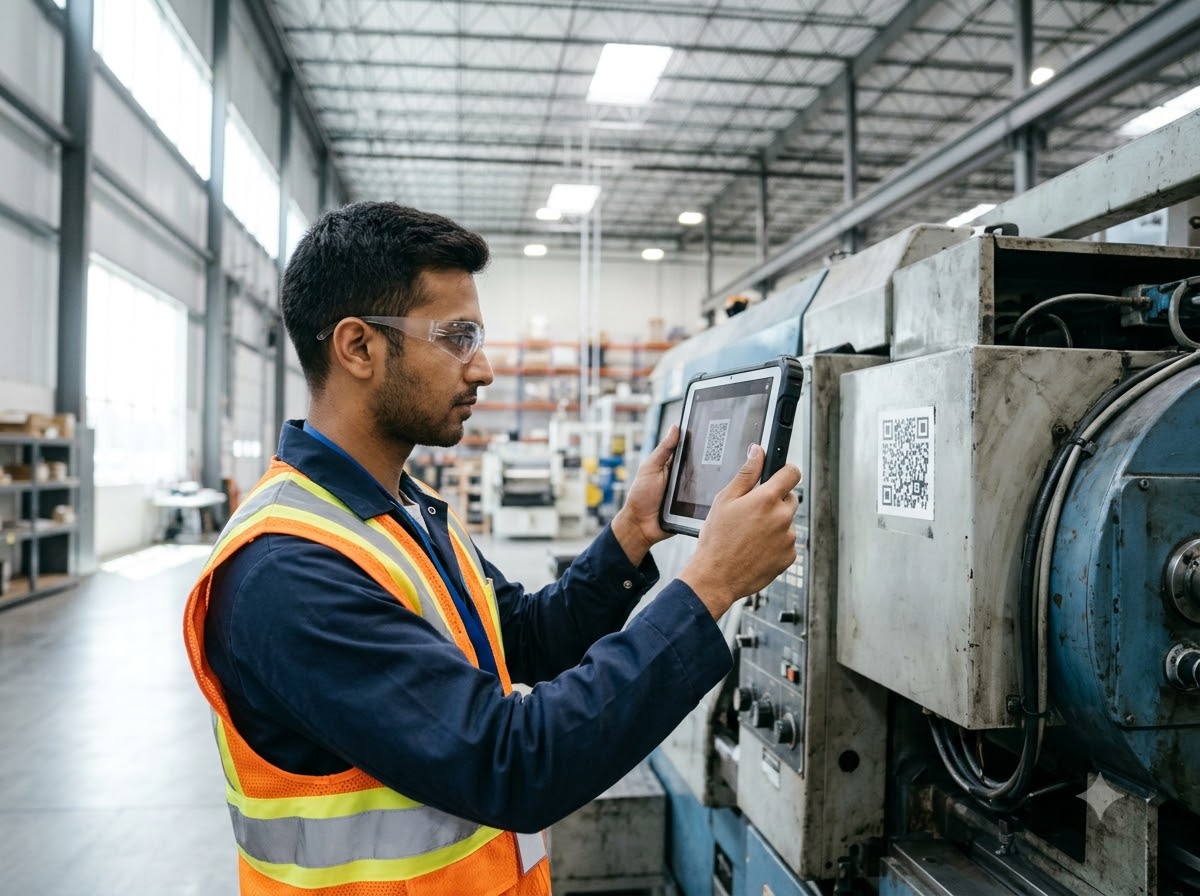
- Scan QR & barcode tags with the camera
- Works with your RexoAsset account
- Every change syncs to one asset register
Point at a QR or barcode
What is the RexoAsset app for?
It is the field companion to RexoAsset CMMS and EAM. Use it wherever your assets are: a plant room, a warehouse, a hospital ward, a remote site. Instead of writing notes and updating a computer later, your team updates the record at the asset, in seconds.
Find and identify assets
Scan a QR or barcode tag to open the asset record, its status, location, custody and full history.
Do the maintenance work
Receive work orders, follow the checklist, add photos and notes, and close the job on site.
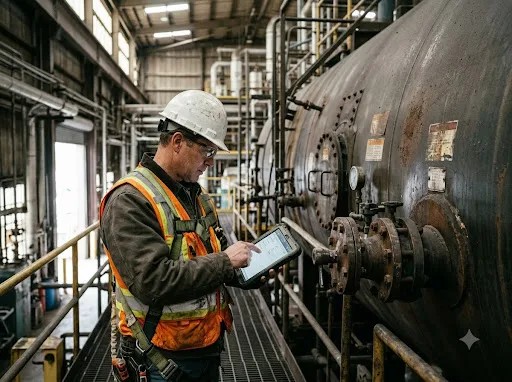
Inspect and audit
Run digital inspections and physical counts, and capture sign-off without paper.
Everything in the app
What you can do with RexoAsset Mobile App from your Android phone.
QR & Barcode Scanning
Use the phone camera as your scanner. No extra hardware needed.
Asset Records on the Go
View status, location, custody, documents and history for any asset.
Custody & Check-In / Check-Out
Hand assets over between people and sites with a time-stamped record.
Work Orders
Receive, update and close maintenance work with notes, photos and time spent.
Digital Inspections
Run pass/fail checklists on mobile and capture sign-off on the spot.
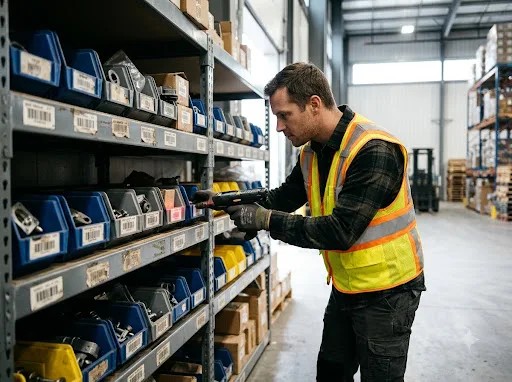
Inventory & Parts
Check stock, issue parts and count bins from the same app.
Reports & Alerts
See reports and receive alerts for overdue jobs and expiring items.
One Shared Register
Everything you do on the phone appears instantly in the web platform.
Why teams use it
When the app is in every technician's hand, records are updated at the asset, not hours later at a desk. Managers see the real picture from the same register.
Faster updates
Records are updated at the asset, not hours later at a desk.
Fewer lost assets
Scanning and custody records show where equipment is and who has it.
Less paperwork
Inspections, notes and sign-offs are captured digitally.
One version of the truth
Field and office work from the same live asset register.

From Download to First Scan in 4 Steps
Install the App
Download RexoAsset from Google Play and sign in with your account.
Scan an Asset
Point the camera at an asset tag to open its record.
Update and Assign
Change status, assign custody, or raise and close a work order.
Sync to the Platform
Everything lands in your shared asset register for managers and finance.
Built for teams that work away from a desk
Looking after assets that belong to your customers?
Rexo Asset Partner is the app for service partners and AMC providers.
See Rexo Asset Partner App →Download RexoAsset Mobile App
Get the app from Google Play and start working from your phone.
GET IT ONGoogle PlayCommon questions
What is the RexoAsset mobile app?
Where can I download the RexoAsset app?
Do I need a RexoAsset account to use the app?
Can I scan QR codes and barcodes with the app?
What is the difference between this app and the Rexo Asset Partner app?
Ready to Take Control of Your Assets?
- Free walkthrough
- Built around your own assets
- Reply within 1 business day